Flux 3 Image Generator — Shape Your Next Image
Start from words or a picture worth refining. Flux 3 Image on Flux3.tools generates an image from a text brief or edits up to ten reference images. The current workspace offers one 1K output per request, with a visible five-credit quote.
Image workspace
Sample Image
 2 / 38
BFL reference; site-authored prompt, not the original generation record.
Introduction
Make composition part of the brief
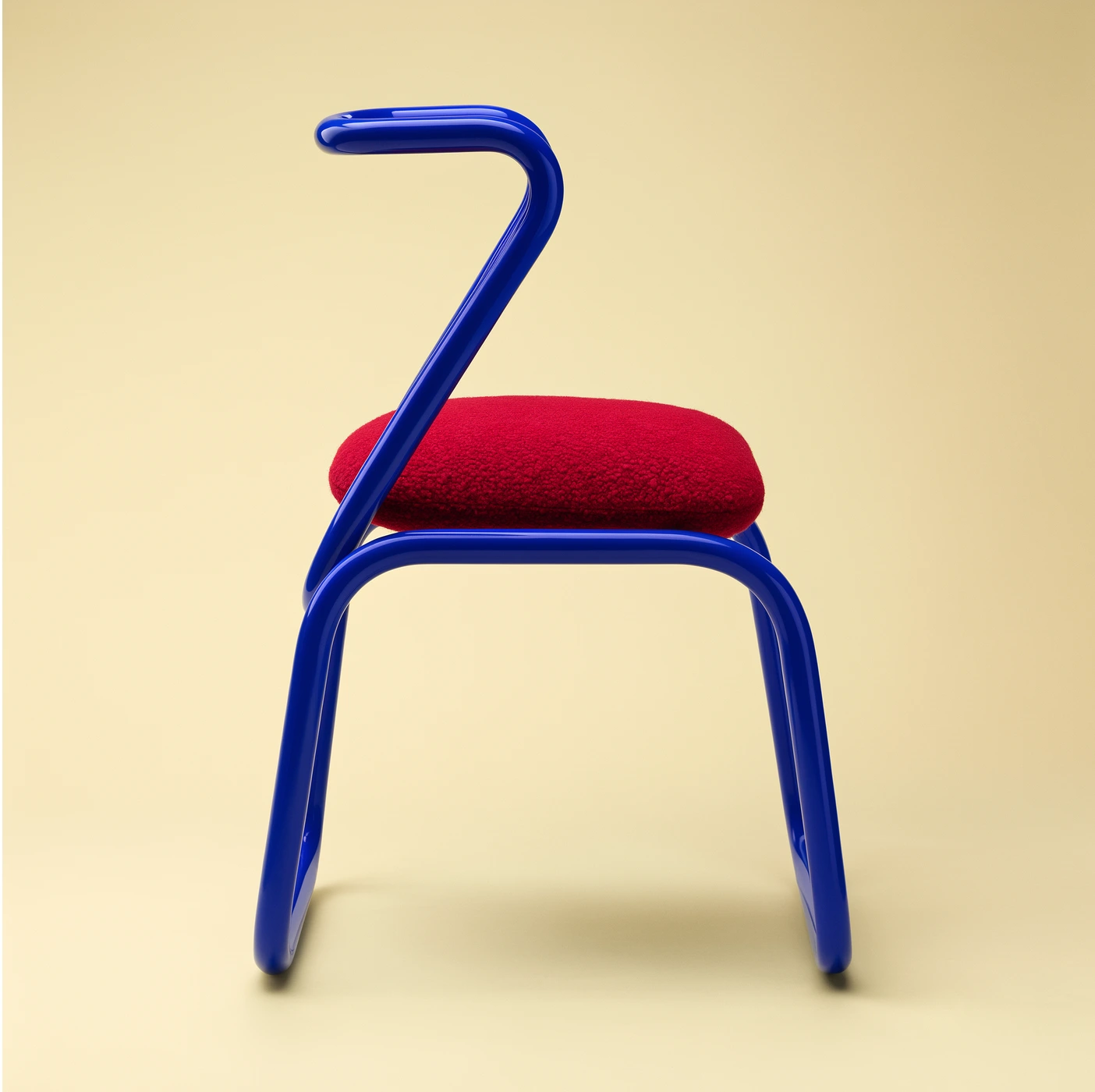
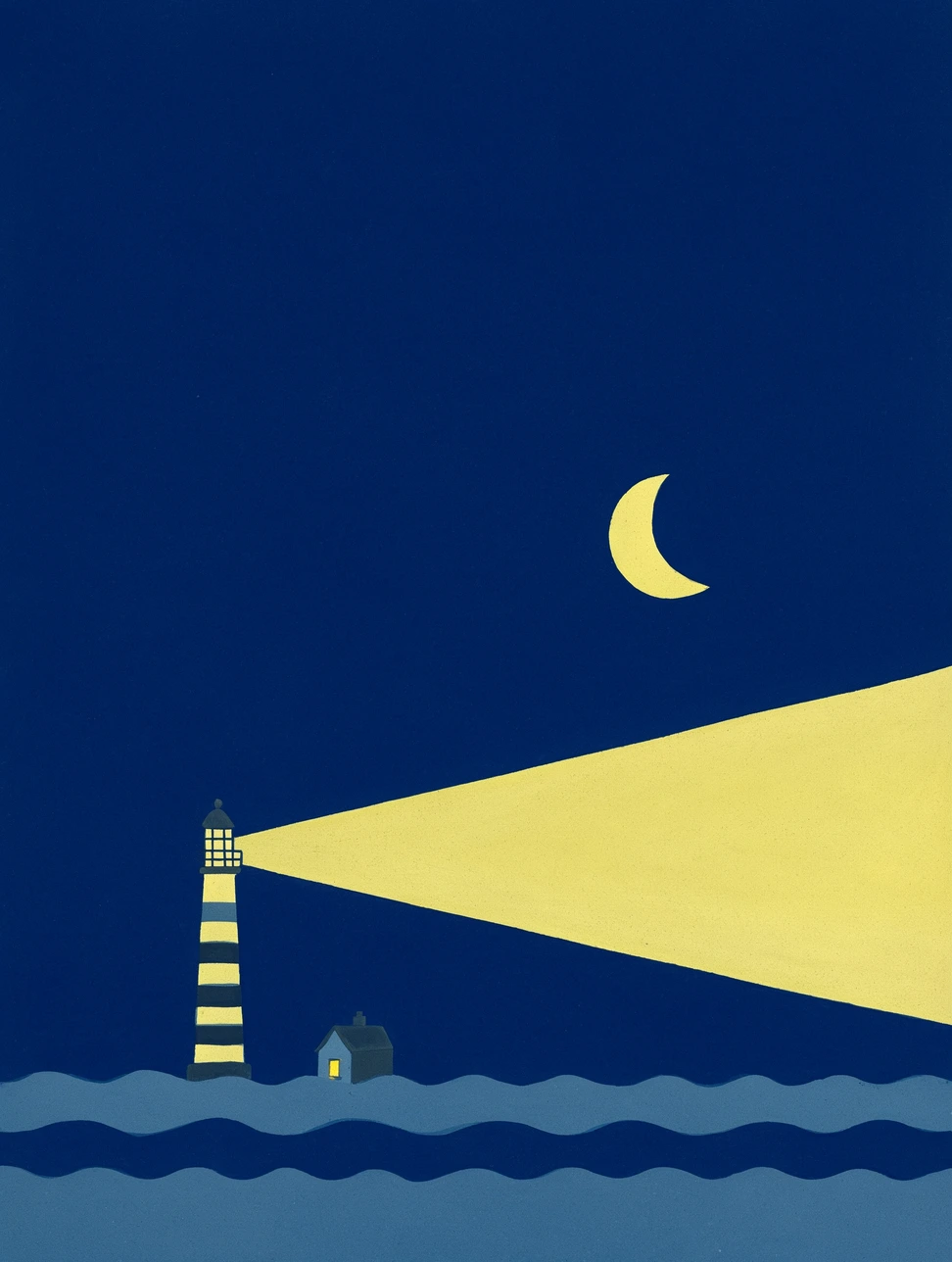
Name the subject, its position, surrounding negative space and lighting. A blue chair against pale yellow needs a different description from a brush-painted room or a graphic lighthouse poster.
Try it in the workspace
Name the subject, its position, surrounding negative space and lighting. A blue chair against pale yellow needs a different description from a brush-painted room or a graphic lighthouse poster.
How to use
How to use Flux 3 Image
- STEP 1
Choose a mode
Start from text or upload the references required by your selected mode.
- STEP 2
Describe the result
Write a clear brief or load a paired example prompt.
- STEP 3
Review and generate
Check the settings and credits, sign in and submit your request.
Features
Edit from references
Switch to image mode and upload one to ten references. Tell the model which reference supplies the subject, layout or style. Reference ordering matters. Inputs must follow the provider limit of at least 256 pixels per side and at most four megapixels.
Try it in the workspace
Switch to image mode and upload one to ten references. Tell the model which reference supplies the subject, layout or style. Reference ordering matters. Inputs must follow the provider limit of at least 256 pixels per side and at most four megapixels.
Refine one thing at a time
Ask for a focused change to color, object, background or lettering. Compare the returned image against the input and keep the details that matter in the next brief.
Try it in the workspace
Ask for a focused change to color, object, background or lettering. Compare the returned image against the input and keep the details that matter in the next brief.
Keep output settings explicit
The current integration offers 1K resolution and one JPEG output. The provider supports more tiers, but they remain disabled here until the partner pricing schedule is verified. Fixed aspect ratios or Auto can guide the composition.
Try it in the workspace
The current integration offers 1K resolution and one JPEG output. The provider supports more tiers, but they remain disabled here until the partner pricing schedule is verified. Fixed aspect ratios or Auto can guide the composition.
Review five credits before creating
The verified 1K rate is $0.048 per image on fal. At one credit per cent of provider cost, rounded up, a request uses five credits. Text generation and image editing use the same configured rate.
Try it in the workspace
The verified 1K rate is $0.048 per image on fal. At one credit per cent of provider cost, rounded up, a request uses five credits. Text generation and image editing use the same configured rate.
Reuse the visual brief
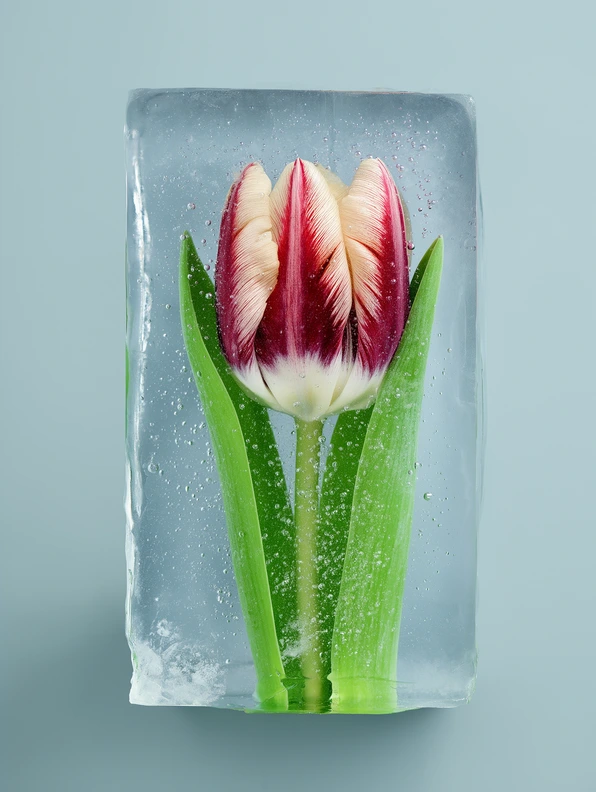
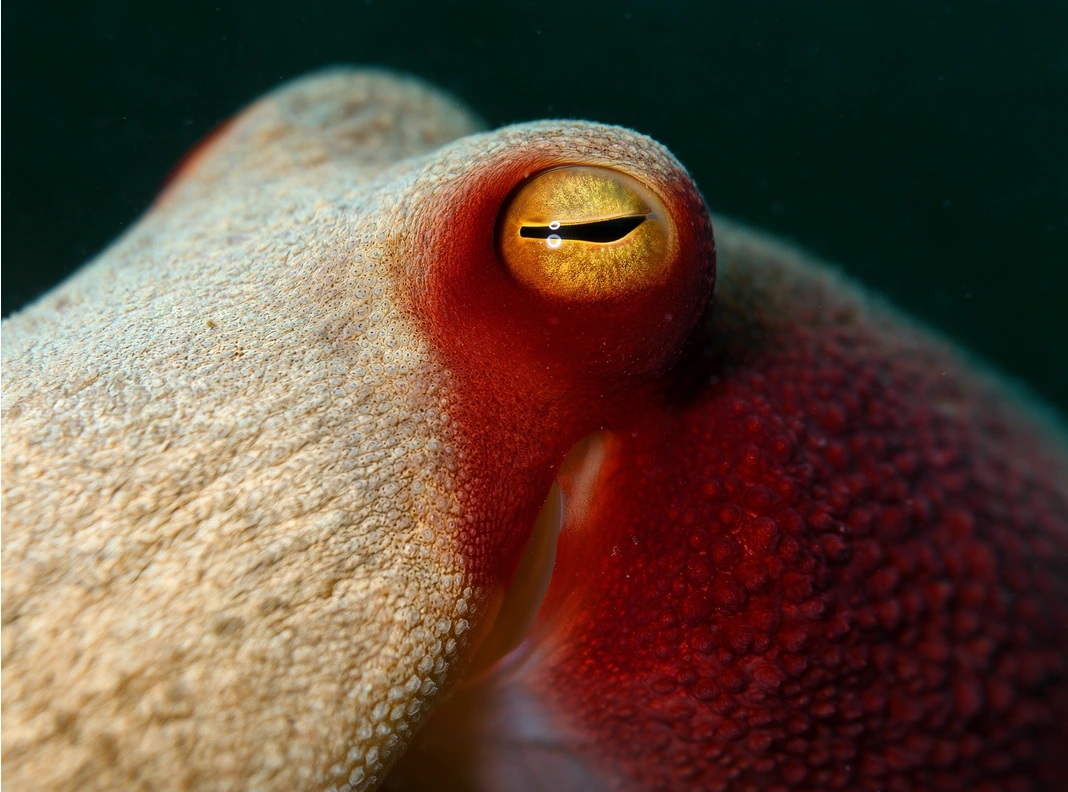
Examples were extracted from BFL’s published image sheet. Their original generation prompts are not public. Our authored briefs are paired with the inspected visual, so you can use them as a starting point without claiming an identical reproduction.
Try it in the workspace
Examples were extracted from BFL’s published image sheet. Their original generation prompts are not public. Our authored briefs are paired with the inspected visual, so you can use them as a starting point without claiming an identical reproduction.
Example prompts
Cloud in a dish
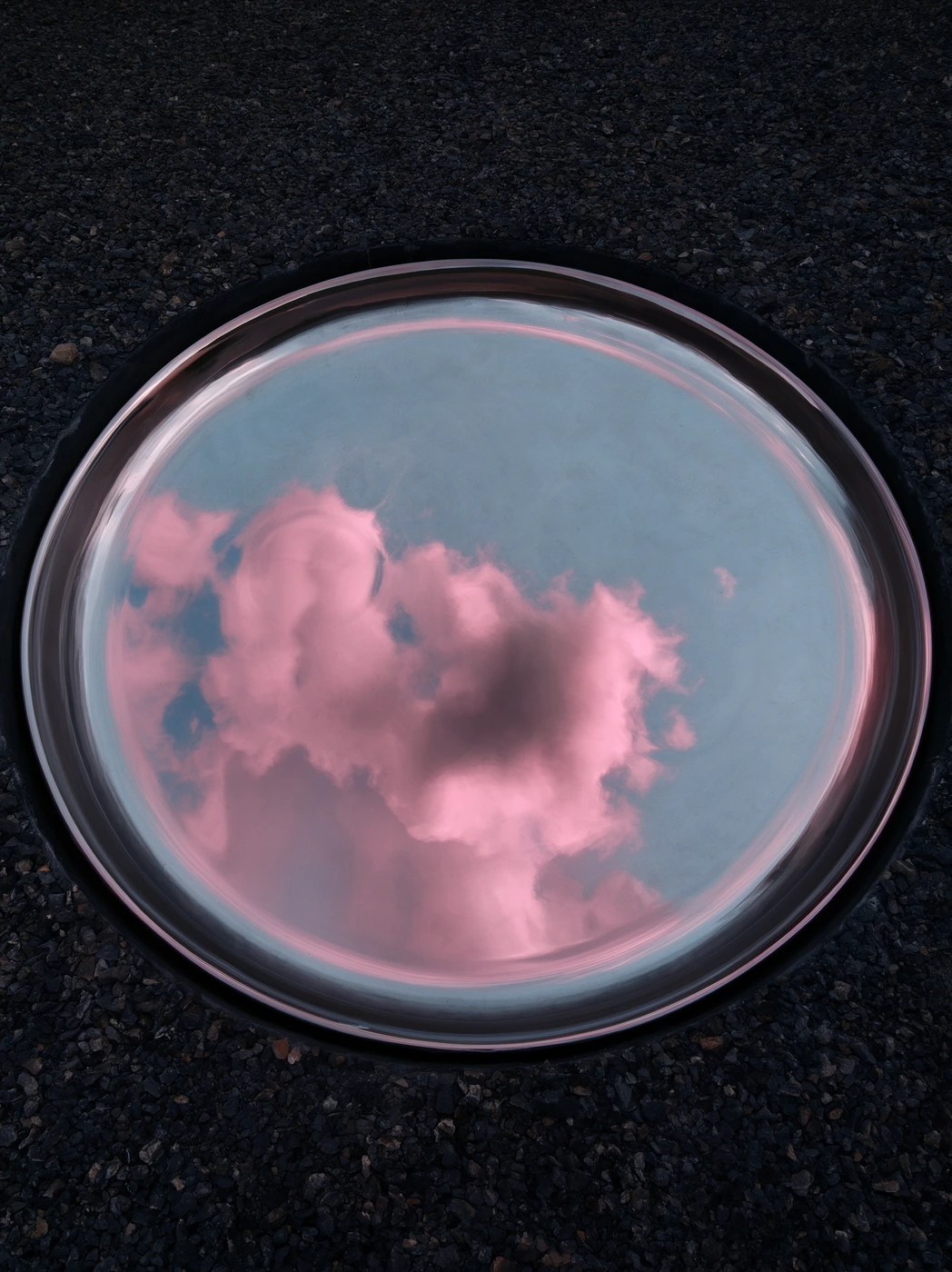
A transparent glass dish on rough black stone holds a soft pink cloud, photographed from above. Cool reflections, realistic glass, delicate atmospheric texture.
Color as structure
Side view of a cobalt-blue tubular chair with a vivid red cushion against warm pale-yellow seamless paper. Strong sculptural silhouette, soft shadow, studio product photograph.
Liquid light
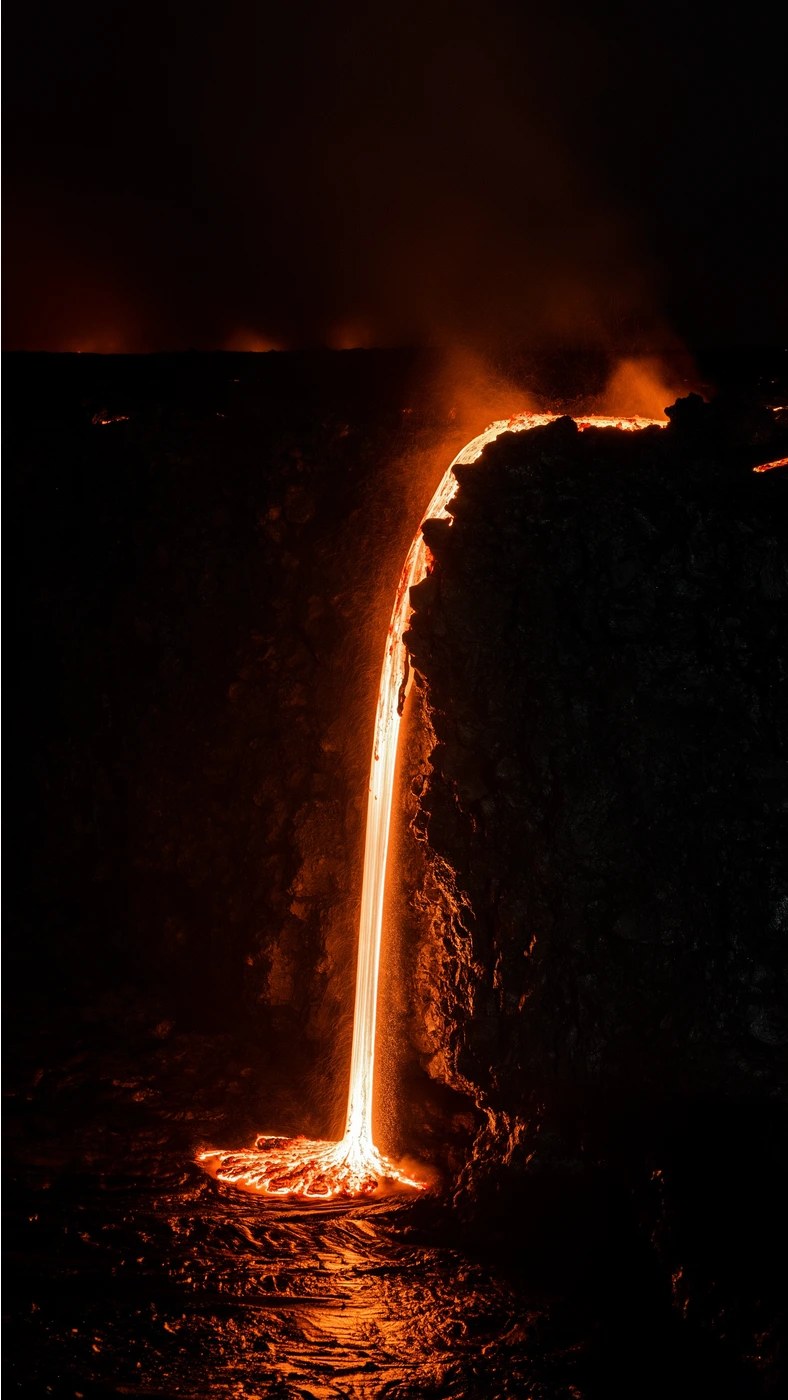
A narrow stream of incandescent orange lava pours over a dark volcanic cliff into a glowing pool at night. Dramatic black negative space, textured rock, realistic heat.
Sunlit brushwork
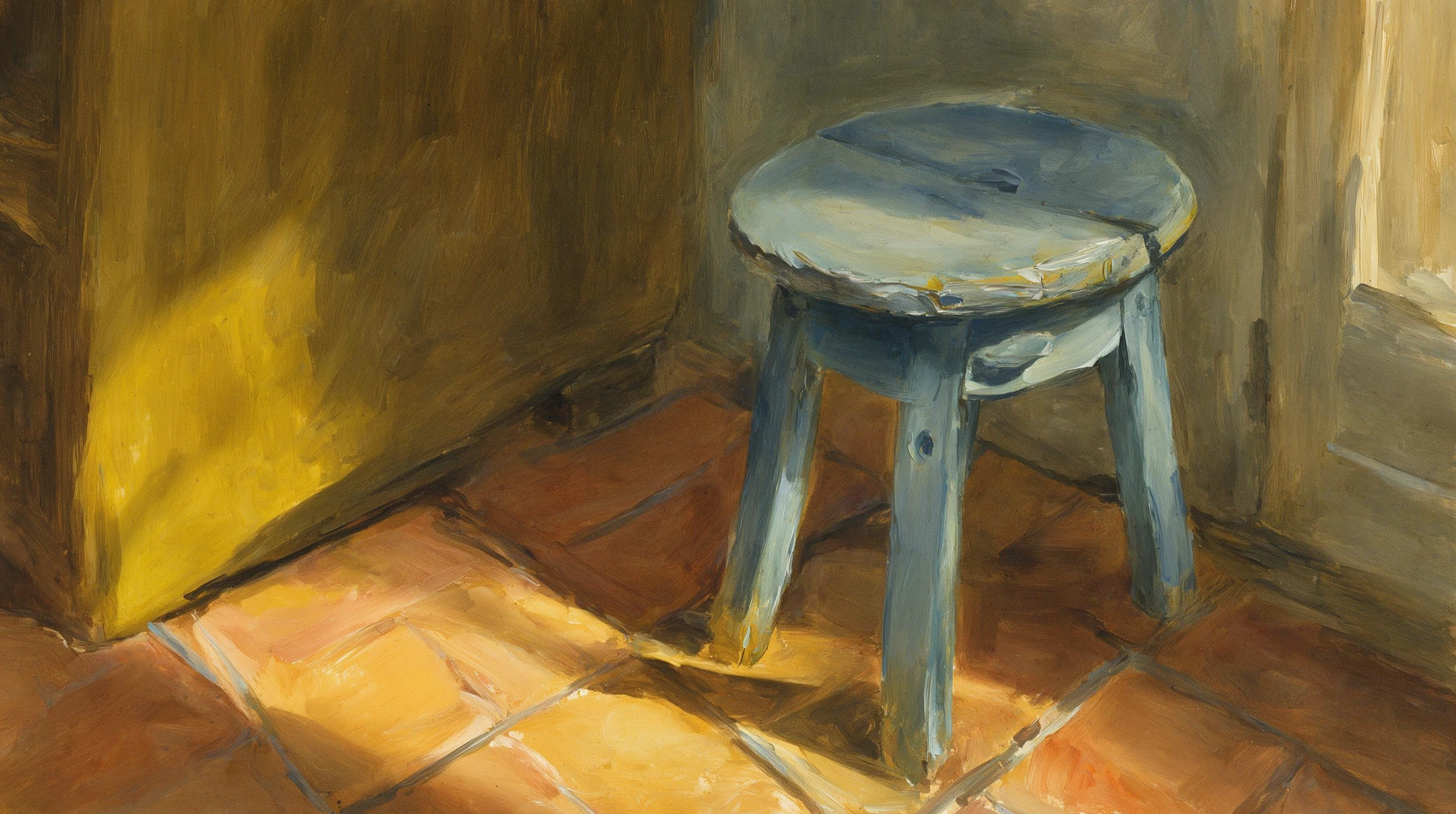
An expressive oil painting of a worn blue wooden stool in a sunlit ochre room. Broad visible brushstrokes, terracotta floor, a rectangle of golden window light.
Creation checklist
Review the inputs, quote and output.
Prepare the right inputs
For video, upload the start frame first and an optional end frame second. For image editing, select the reference images that define your intended result.
Review the exact quote
Resolution, duration and output count determine generation credits. Review the workspace quote before submitting; preparing a prompt does not create a paid task.
Inspect the complete result
Review visual detail, continuity and any generated text before using an output. BFL reference demonstrations and adapted prompts are starting points, not verified reproductions.
Flux 3 Pricing and Credit Plans
Cancel anytime
Lite
50% off0.025 / credit
Billed $ yearly179· Save $179.8
Video Models



Image Models



- Includes Flux 3 and all premium models
- Up to 1 batch generation task
- Standard generation speed
- Standard generation success rate
- Standard customer support
- Commercial Use License
Standard
50% off0.017 / credit
Billed $ yearly299· Save $299.8
Video Models
Image Models
- Includes Flux 3 and all premium models
- Up to 4 batch generation tasks
- Priority processing speed
- High generation success rate
- Priority customer support
- Commercial Use License
Pro
50% off0.014 / credit
Billed $ yearly599· Save $599.8
Video Models
Image Models
- Includes Flux 3 and all premium models
- Up to 10 batch generation tasks
- Fastest generation speed
- High generation success rate
- Dedicated account manager
- Commercial Use License
Max
50% off0.012 / credit
Billed $ yearly1,199· Save $1,199.8
Video Models
Image Models
- Includes Flux 3 and all premium models
- Up to 10 batch generation tasks
- Fastest generation speed
- High generation success rate
- Dedicated account manager
- Commercial Use License
Pay safely and securely with























FAQ
Frequently asked questions
Is Flux3.tools the official BFL website?
No. Flux3.tools is an independent creative website that connects supported models through fal. Black Forest Labs develops Flux 3.
Does Use This Prompt start a paid generation?
No. It prepares a draft. Review the inputs and credit quote, sign in, and submit when ready.
What happens if generation fails?
A confirmed failed task releases or refunds reserved generation credits. Pending tasks must be reconciled before they can be treated as failed. Cash purchase refunds follow the separate refund policy.
CTA
Create with Flux 3 Image
Bring a focused brief, choose supported settings and review the credit quote.
Start creating